Rolling

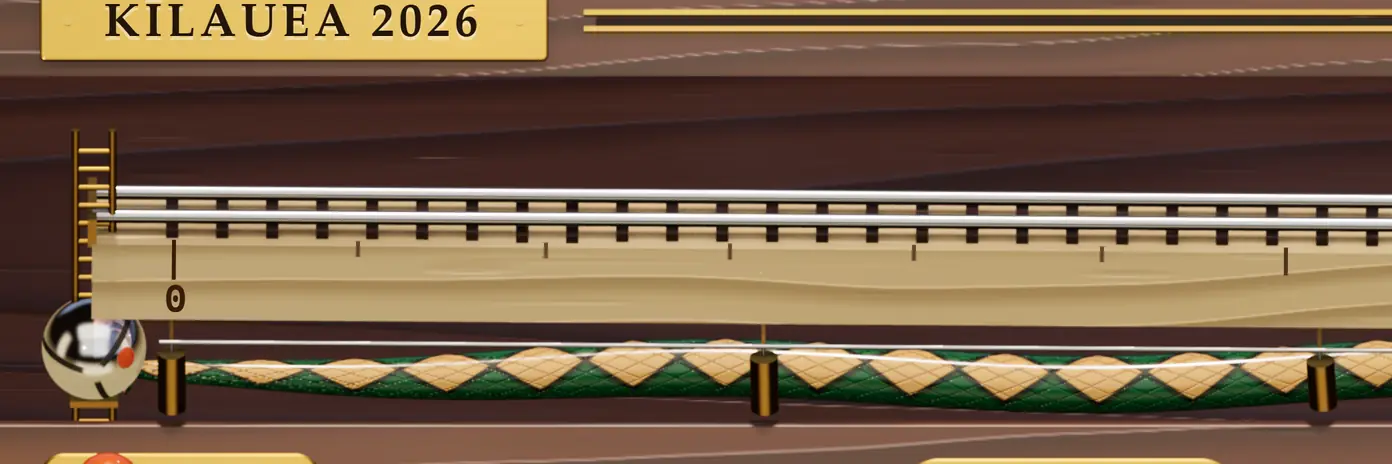
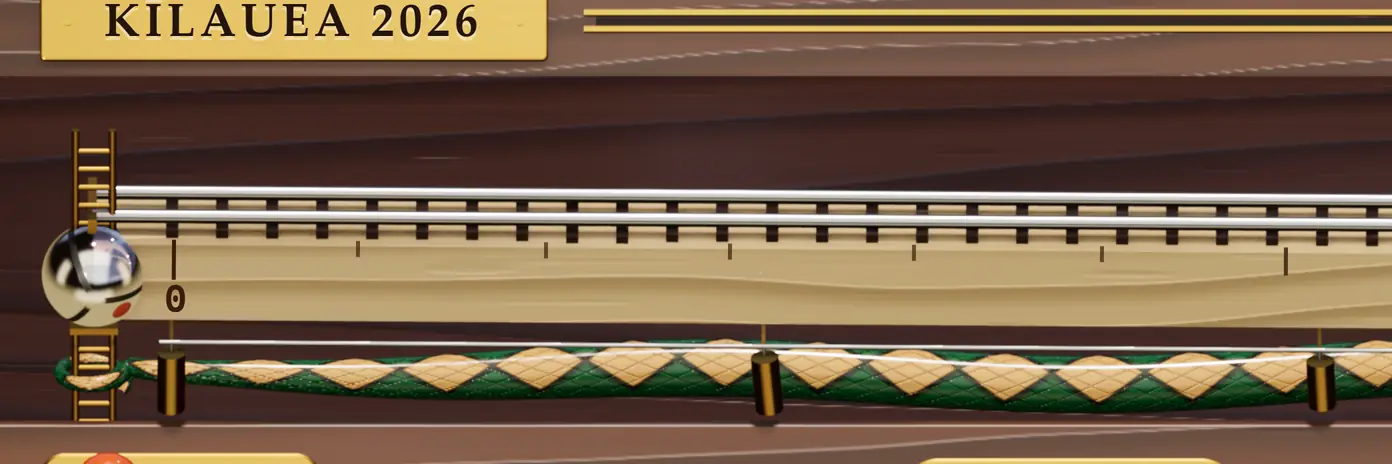
A skin for Video.js 10: a wooden marble machine under the film, where the steel marble is the playhead.

Work the machine from here

Playing Kīlauea 2026: seven eruptions at the summit, cut from U.S. Geological Survey footage. Keys work too: Space J L M F C.

Every action has its own machine

No two actions share a mechanism, and none looks like a stock control. The standard icon stays on every key, so nothing has to be learned: the machine is built around the controls, not instead of them.

  1. Play and pause

    A lever drops the brass pin in front of the marble. On pause the pin rises, and the marble knocks against it and rocks to rest.

    Play button

  2. Skip ten seconds

    Two pinball flippers kick the marble back or forward.

    Seek buttons

  3. Time

    A brass drum counter; press it for the time left. Minutes are burned into the beam like a ruler.

    Time display

  4. Seek

    Drag the marble, flick it and it rolls on with momentum, or tap the rail and it rolls there.

    Time slider

  5. Chapters

    A tuned chime bar hangs at each chapter and the marble rings it in passing. Flick across several and they play in order.

    Slider chapters, chapter menu

  6. The way home

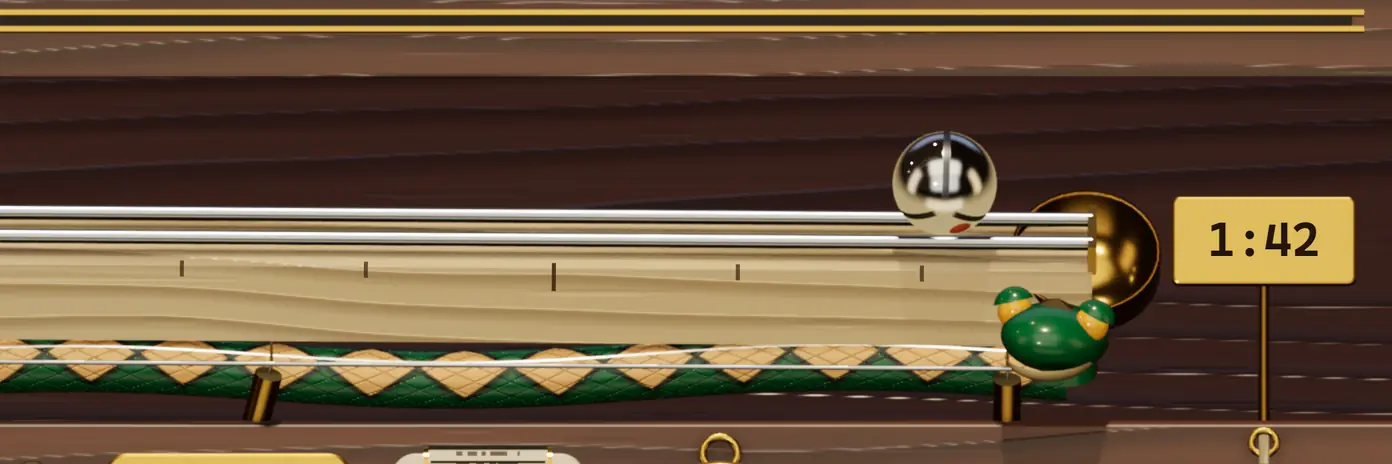
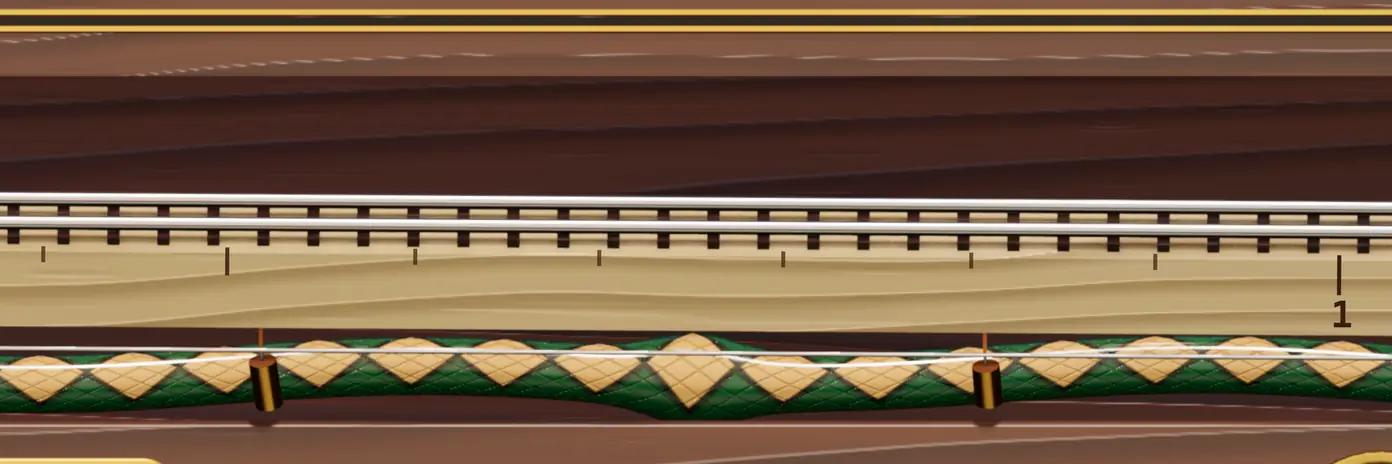
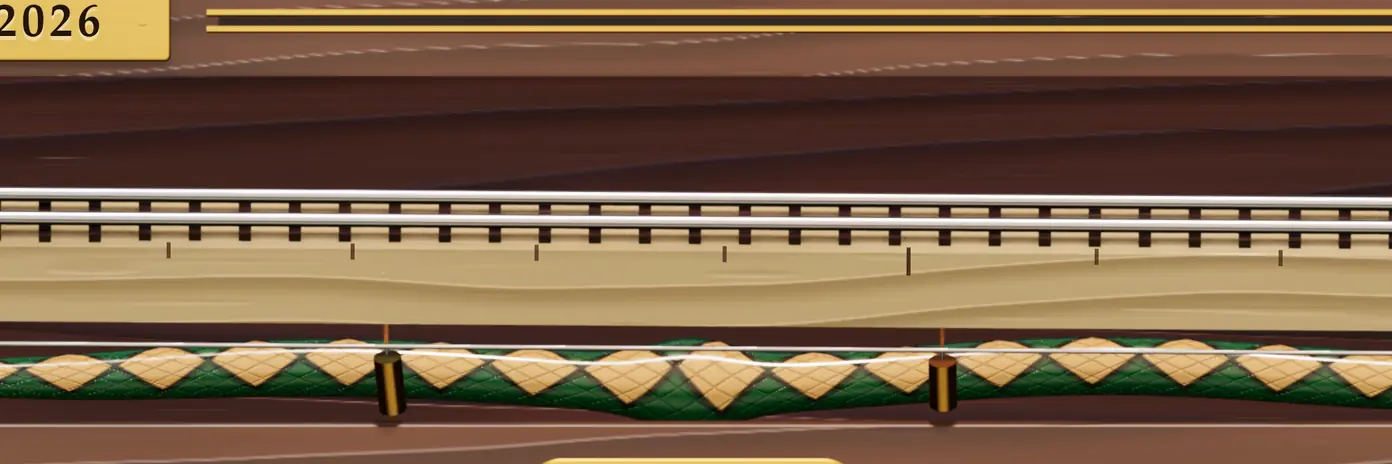
    The snake under the beam. It watches the marble, rises as the film nears its end, and swallows it at the bell.

    Ended state

  7. End

    The marble drops into a brass bell, and every chime shimmers in turn.

    Ended state

  8. Replay

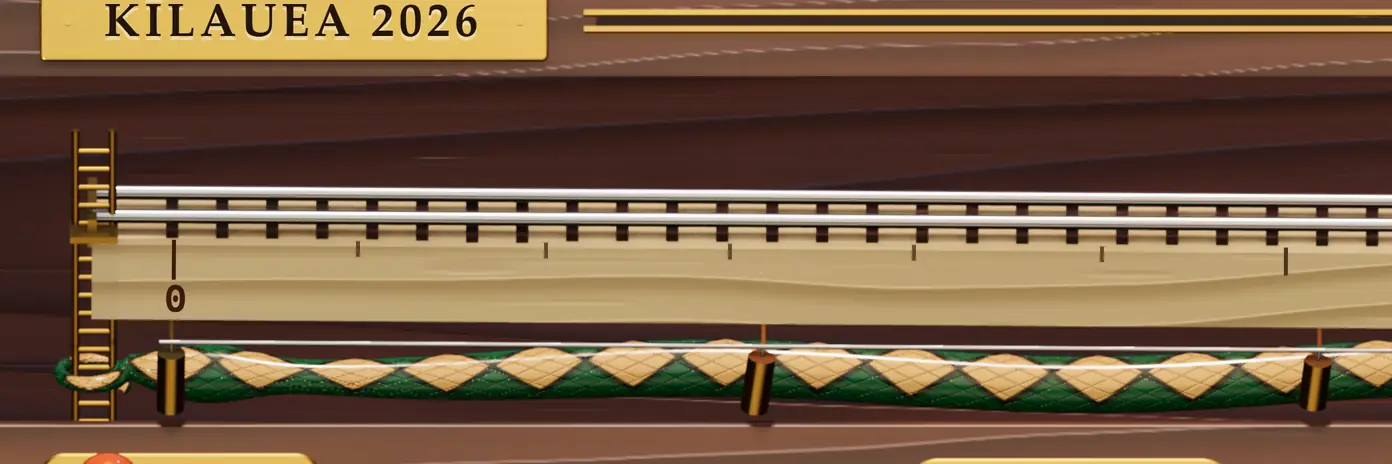
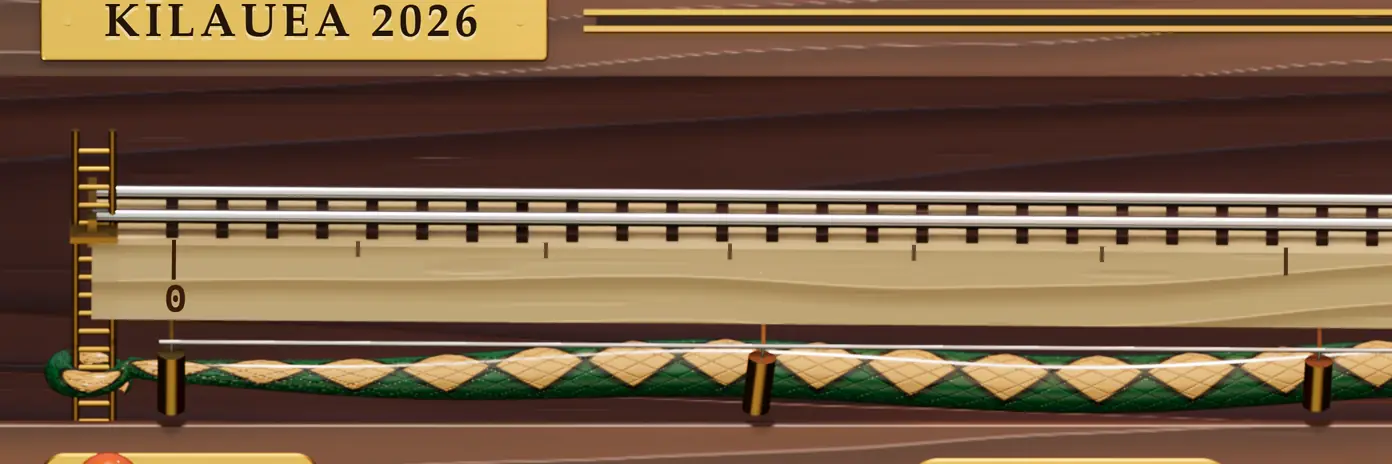
    The ladder, the way up. It lifts the marble back to the start.

    Play button, ended

  9. Mute

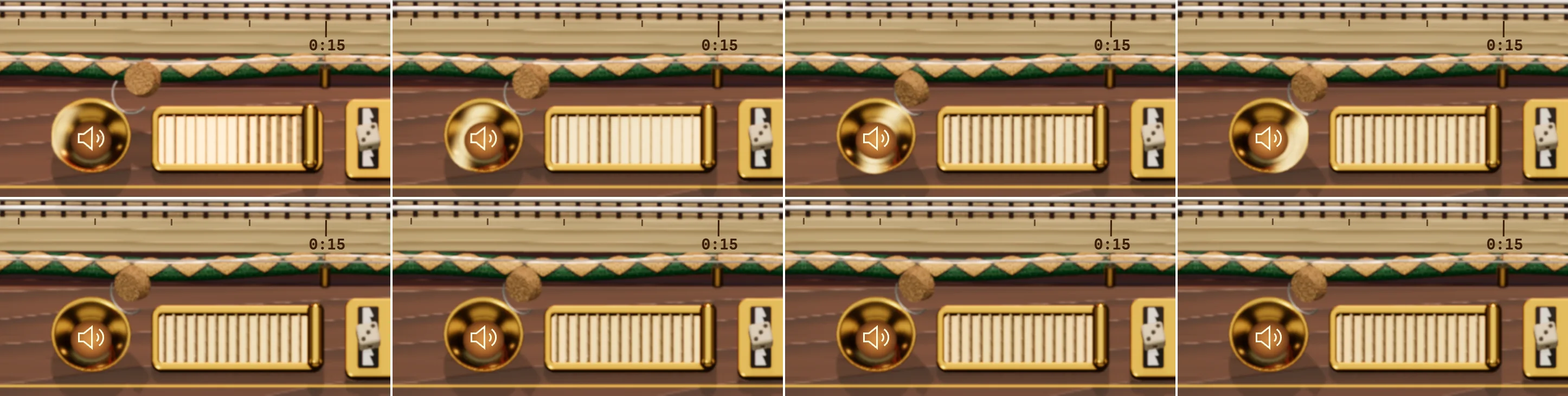
    A cork in the brass horn. Pull it and the sound comes back with a pop.

    Mute button

  10. Volume

    Swell shutters, as on a pipe organ: the slats open with the volume and the film's light leaks between them.

    Volume slider

  11. Speed

    A ratchet jack tilts the rail; steeper is faster. A die climbs the rack: six speeds, six faces.

    Playback rate

  12. Captions

    Captions print on a paper tape in the lip under the picture, a brass carriage running ahead of the ink. They never cover the film.

    Captions button

  13. Picture-in-picture

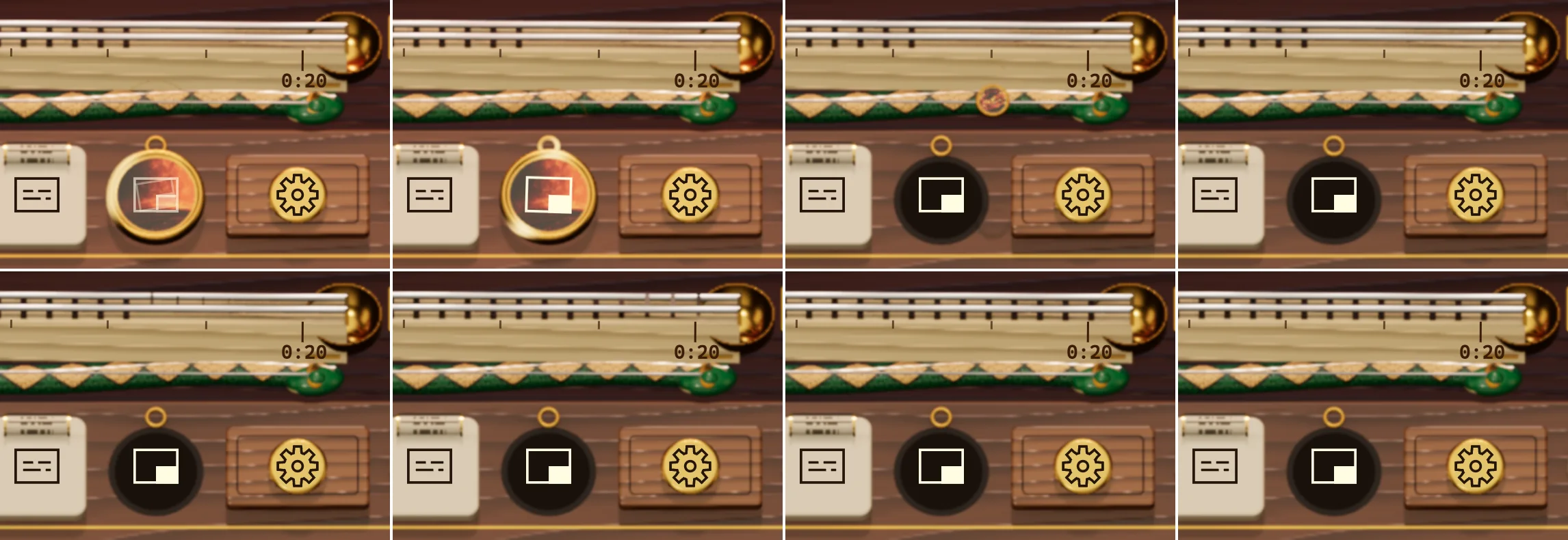
    A brass locket opens on the live film inside it, then leaves the bench.

    Picture-in-picture button

  14. Settings

    A felt-lined drawer slides down the slope; each setting is a peg in a hole.

    Settings menu

  15. Full screen

    A pull cord with a wooden bead that swings after the tug.

    Fullscreen button

Also on the machine

Preview
A brass loupe rides the rail and shows that moment, its time and its chapter.
Loading and waiting
Sleepers drop in under the rods as the film loads; while it buffers the marble spins against the pin.
Cast
A catapult throws the film to the other screen, present only when a device is.
Error
The marble lies in a tray with “Put it back”, the error dialog's retry.

Press a key, the machine answers

Every action keeps its own mechanism and sends a ripple through the rest of the machine, so it feels alive. The film lights all of it: a 32 × 18 canvas reads three colours from each frame, the lamps take them, the floor mirrors the picture and the marble reflects it.

First, unmute.

Mute button, or M

Eight frames: the cork leaps out of the horn and bounces on its bail.
The cork pops and bounces on its bail; the horn trembles and the shutters' slats flutter.

Then send the film away.

Picture-in-picture button

Eight frames: the locket opens on the live film inside it, then leaves its seat.
The locket opens on the live film inside it, then leaves its seat in the felt.

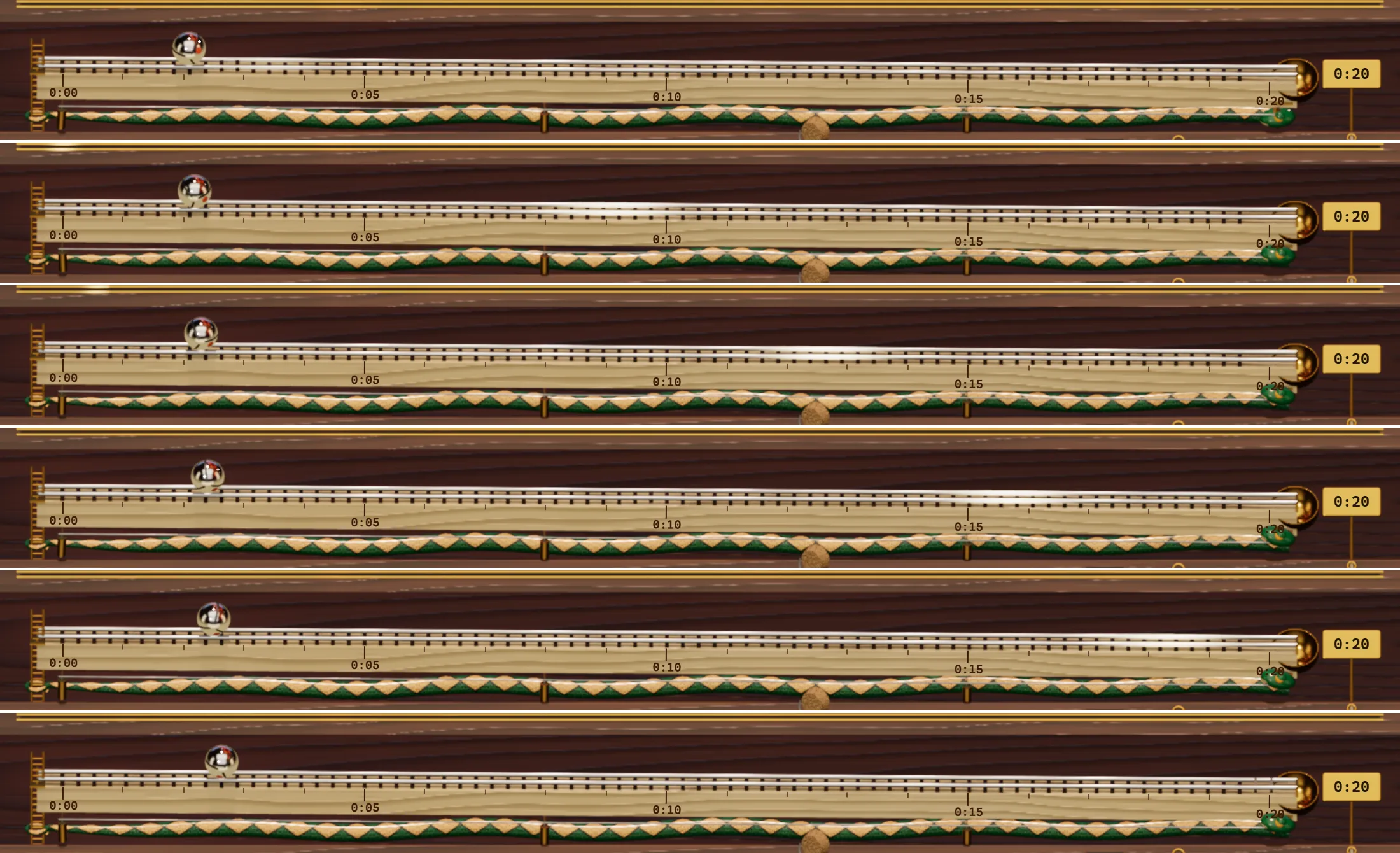
Finally, play.

Play button, or Space

Six frames of the rail: a warm glint runs down the steel rods as the marble starts to roll.
The lever twangs, the pin bounces, a glint runs down the rods and the sleepers lift in a wave.

It sounds like itself, too. Every voice is synthesized in the browser from a few oscillators and a little noise, with no audio files: the lever's clack and the pin dropping, a chime tuned to each chapter (a pentatonic scale, so a flick across several is always in tune), the bell at the end, the snake's gulp and the ladder's rungs, the cork's pop, the ratchet's teeth, the carriage ticking as captions print.

Nothing sounds before your first touch or while the film is muted. It follows the film's volume and stays under it, and the drawer has a switch. Nothing ripples before your first touch either, nothing ripples with reduced motion on, and once the machine settles it draws no frames at all.

Snakes and ladders

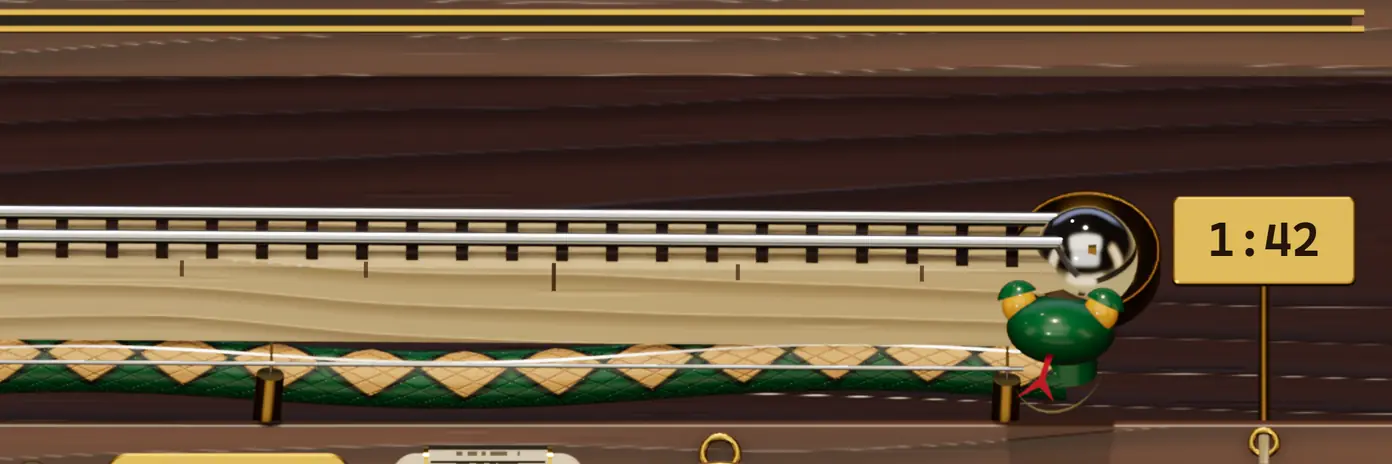
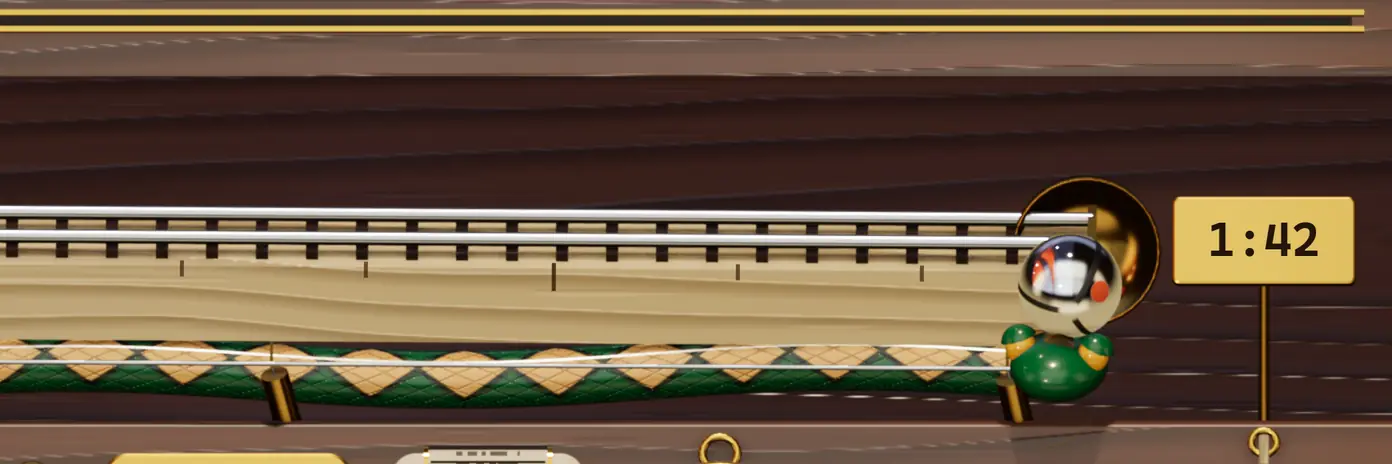
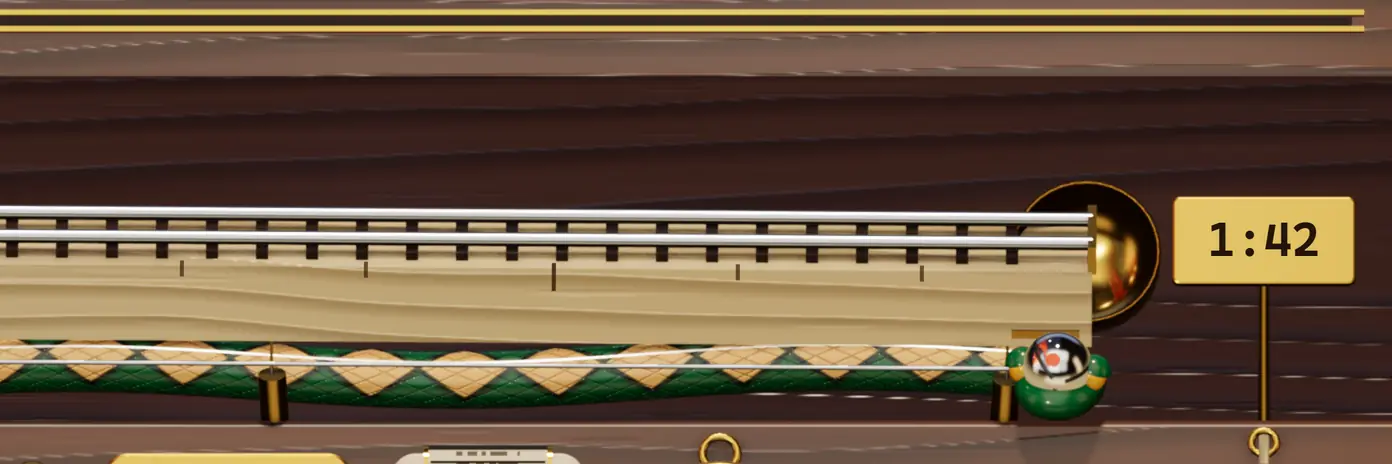
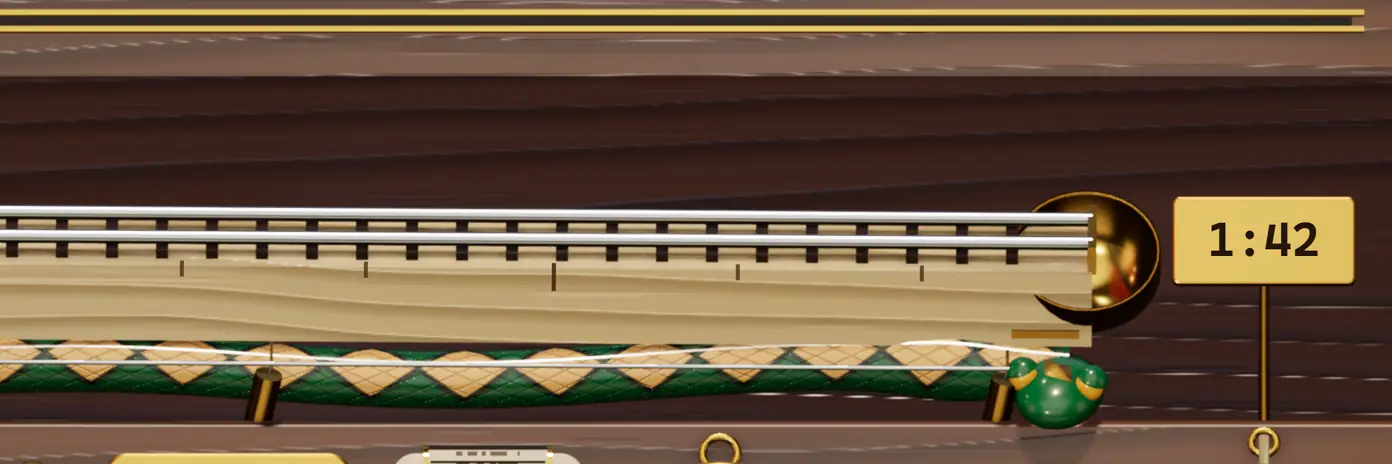
  1. The marble rests in the brass bell at the end of the rail; the snake's head waits beneath it.
  2. The bell tips and the marble falls toward the snake's open mouth.
  3. The marble drops into the snake's mouth.
  4. The snake swallows the marble.
  5. A bulge travels along the snake's back under the middle of the rail.
  6. The bulge moves on toward the tail.
  7. The bulge reaches the tail, coiled round the foot of the ladder.
  8. A swell in the tail at the foot of the ladder.
  9. The marble comes out of the tail at the foot of the ladder.
  10. The ladder lifts the marble to the start of the rail.

The rail is a board. The die on the jack sets the pace, the ladder is the way up and the snake is the way home.

Its head follows the marble along the rail and rises to face you as the film nears its end. Play it again and the bell tips the marble into its mouth, a bulge runs down its back to the tail, and the ladder carries the marble to the start.

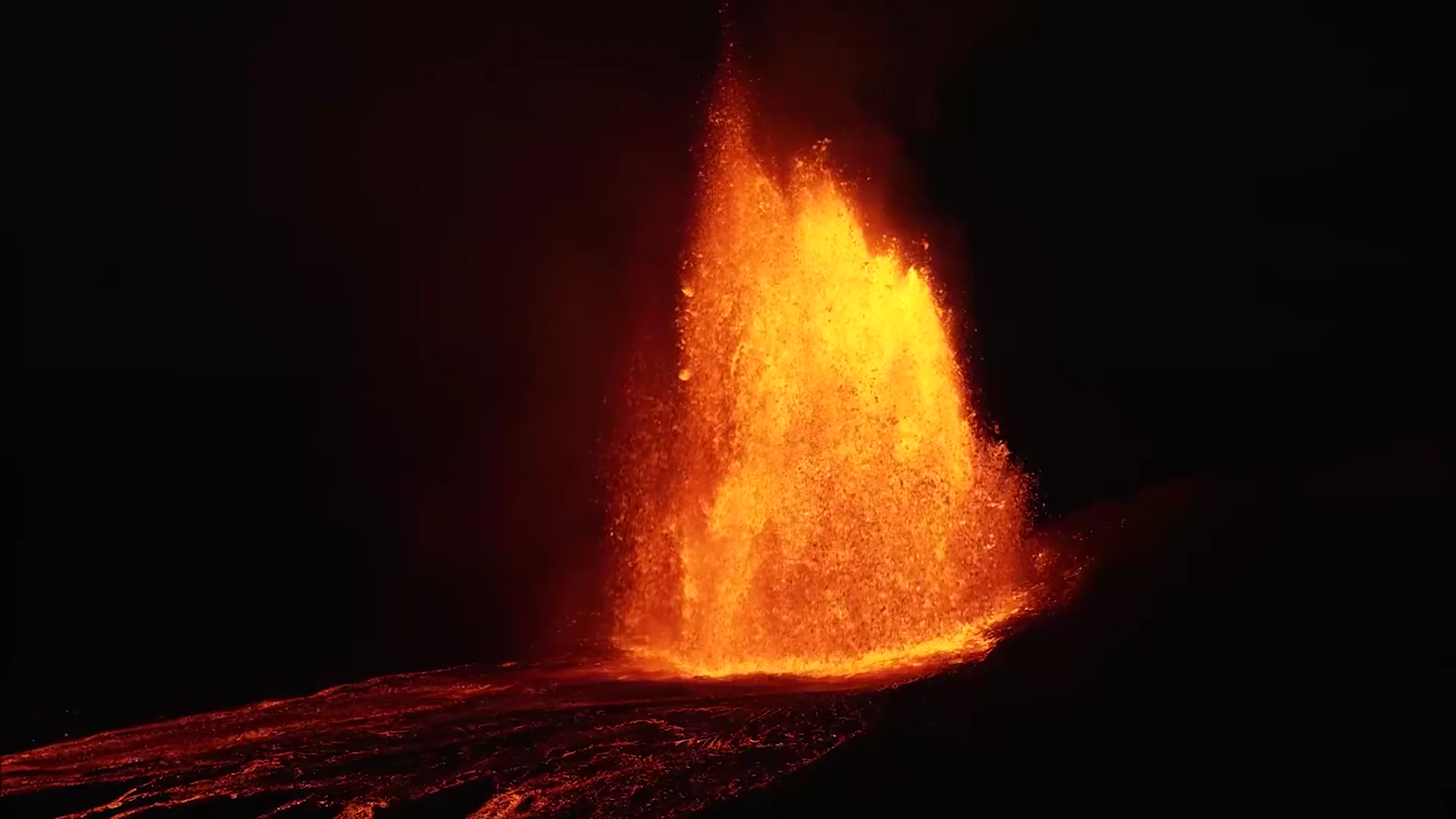
Night at the summit of Kīlauea: a lava fountain rises from the vent over a dark flow field.

The film

870 ft

Episode 45's fountain, filmed at night by the Hawaiian Volcano Observatory. Each eruption in the film has its own chime bar.
7
Eruption episodes, March to November 2026, each a chapter
102 s
One cut, with captions that describe the sound and a track of field notes

Against the brief

The challenge checks four requirements, then scores four things. Here is each in the brief's own words, what Rolling does about it, and the evidence. The last column is yours.

The minimum requirements

Checked before scoring

“Each entry is reviewed against these requirements before it's scored.”
  • Works. This page is a Video.js 10.4 player (<video-player> from @videojs/html) playing the film above, streamed from Mux, with no login and nothing to install.
  • Essential controls. Play and pause: the lever. Seek bar: the rail. Time: the drum counter and the duration plate. Volume and mute: the swell shutters and the cork. Full screen: the pull cord. All present and tested from a 1100 px player down to a 200 px one; below 200 px the lever and the horn stay.
  • Responsive. Six tiers set by the player's own width, not the window's, each tested in three engines for every control inside the dock and none overlapping, plus a phone profile with touch.
  • Keyboard. Tab reaches every control in the order you see them, each with a visible ring; Enter and Space work them; the arrows, Page Up, Page Down, Home and End move the marble; Escape closes the drawer and puts focus back on its key.
Visual design and originality

10 points

“A distinctive concept with cohesive typography, color, iconography, and layout.”
  • One object, understood at a glance: a marble run whose marble is the playhead. Every part is a control or a state; nothing is decoration.
  • One material palette (walnut or maple, satin brass, steel, felt, cream paper), one serif for every numeral and label, Video.js's own icons burned into the keys.
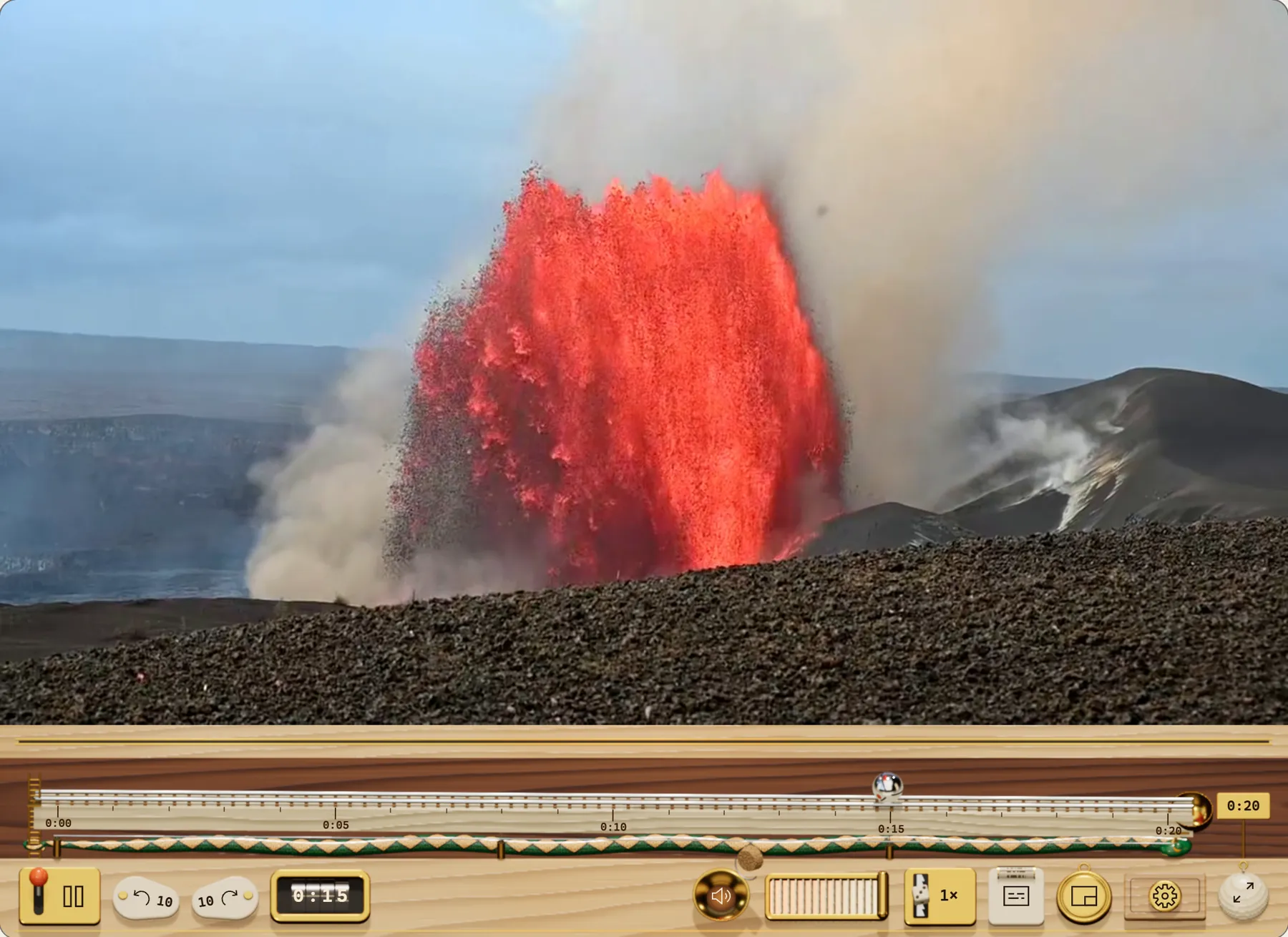
  • Two editions from the same four properties: walnut for dark pages, maple for light ones. Drawn live in three.js with no image files: grain, brass and the snake's diamond back are generated in shaders.
The maple edition: a pale wood dock under a daylight lava fountain.
The maple edition, for light pages.

Usability and interaction

5 points

“Intuitive controls and a layout that works across player sizes and touch devices.”
  • Standard icons and tooltips on every key. The mechanisms add feedback; they never hide what a control is.
  • Every name, tooltip and menu label speaks each language Video.js ships, the skin's own “Machine sounds” switch included; switch the language in the workbench to see it.
  • Six size tiers by container width, from 1100 px down to 180 px, dropping secondary controls first, down to the lever and the horn at the smallest; on a phone the captions key stays. In the spirit of Video.js's small-player work (#9702). Before the first play only the lever is lit (#9696).
  • On touch: 44 px targets, tap the rail to roll there, flick the marble to scrub (#9428, swipe to scrub).

Accessibility

5 points

“Controls stay readable over any video, keyboard focus is visible, touch targets are comfortable, and motion calms down when reduced motion is on.”
  • Inline, no control sits on the picture: the dock is solid wood under it, so contrast never depends on the footage (the problem behind #9675). A scrim can only promise contrast for the frames it was tuned on; this holds for every frame of every film.
  • Contrast, measured: from the skin's own colours, every text pairing is 7.1:1 to 16:1, above the 7:1 of WCAG's strictest level (AAA). From the rendered 3D dock's pixels, each icon against what it is drawn on: 6.3:1 (the settings gear) to 11:1, where WCAG asks 3:1 for icons; the counter's and the speed plate's numerals 10.7:1 and 9.6:1.
  • A two-tone focus ring that shows on walnut, maple and light video alike (#9705). Keyboard order matches visual order; Escape leaves the drawer and returns focus to its key; Video.js hotkeys, gestures and the status announcer are kept.
  • Captions print on a paper tape in a lip under the picture, so they never cover the film and never collide with the controls (#9420, #9303). In full screen, when the controls hide, the tape stays.
  • Reduced motion: the marble slides without momentum or spin, mechanisms change state without travel, nothing ripples, and captions appear without the printing sweep. This page follows suit: its scroll scenes become plain sections. Forced colours and no WebGL: the flat skin, complete on its own, takes over.
  • axe-core: no violations at 1100, 520 and 240 px, at rest, playing and with the drawer open, in Chromium, Firefox and WebKit. One rule is filtered and said here: label-content-name-mismatch on the time counter, from Video.js's own <media-time toggle>, whose name reads “Show remaining time” while it shows the elapsed time.

Execution and polish

5 points

“A complete, functional skin with consistent styling across controls, menus, and player states.”
  • 181 browser tests pass in Chromium, Firefox, WebKit and a phone profile: every control, keyboard-only use, every tier, both editions, reduced motion, the caption tape, the error tray, the end and replay, the 3D machine and its reactions, full screen on a 1920 × 1080 screen, and a timed flick in each engine. Two sound tests are skipped in WebKit, because Playwright's WebKit on Windows has no Web Audio; there the machine is silent and nothing errors. 51 unit tests cover the physics, the layout maths and the clock.
  • The 3D machine is a lazy chunk (168 kB gzipped) that loads only when the player is on screen, WebGL 2 is there and reduced data is off. If the GPU context is lost mid-play, it hands back to the flat skin with the film still playing where it was; a test kills the context to prove it.
  • Frame budget: 61 fps while dragging, 30 fps during playback (capped on purpose; the film itself is 30), and zero frames when paused and settled or scrolled off screen. Measured from the gaps between animation frames in Chromium on a laptop RTX 4050, 1100 px player at 2× pixel density. Not measured: phones and Safari.

Bonus: hosted on Mux

1 point

“Host your video on Mux and include the asset's public playback ID. Your player must play that video.”
  • The film above streams from Mux through Video.js's own <mux-video>, public playback ID TS9zV00Yta00GC9UjUdQBdqIS3W00OOnVIrza3pY9uICPc. Mux also serves the frames the loupe shows while you scrub.
  • Where a browser cannot stream HLS at all, the page plays the same cut as a file from this site, so the film always plays.

Built on

What is real, and what is drawn

  • Real: every control is a Video.js 10 element with its own name, keyboard handling and focus ring. The player's store drives everything.
  • Drawn: the machine is a three.js scene laid over those controls. It reads their positions and states from the page; it never talks to the player. Its sounds are synthesized the same way, from the film's own events.
  • Not yet tested: real iPhones and Android phones, and Safari itself. Playwright's WebKit stands in for Safari.

Use it

Rolling is a Video.js 10 HTML skin, made with videojs skin create. Copy src/ from the repository into your project, import the skin, and use its template inside <video-player>. Pick the edition, or let the page's colour scheme pick it:

<media-container class="media-skin rolling" data-edition="maple">…

The public Video.js properties work as usual: --media-accent-color, --media-font-family, --media-border-radius and the rest. Or try it in the workbench at every size, scheme, direction and language.